Pixel charts
Turn pictures into editable knitting and crochet charts.
Upload a photo, pixelate it, edit the grid, and keep your place while you work. The chart stays editable, private, and ready for your next project.
Your free account includes a Pixel Chart trial. Image conversion happens in your browser — the picture never leaves your device.
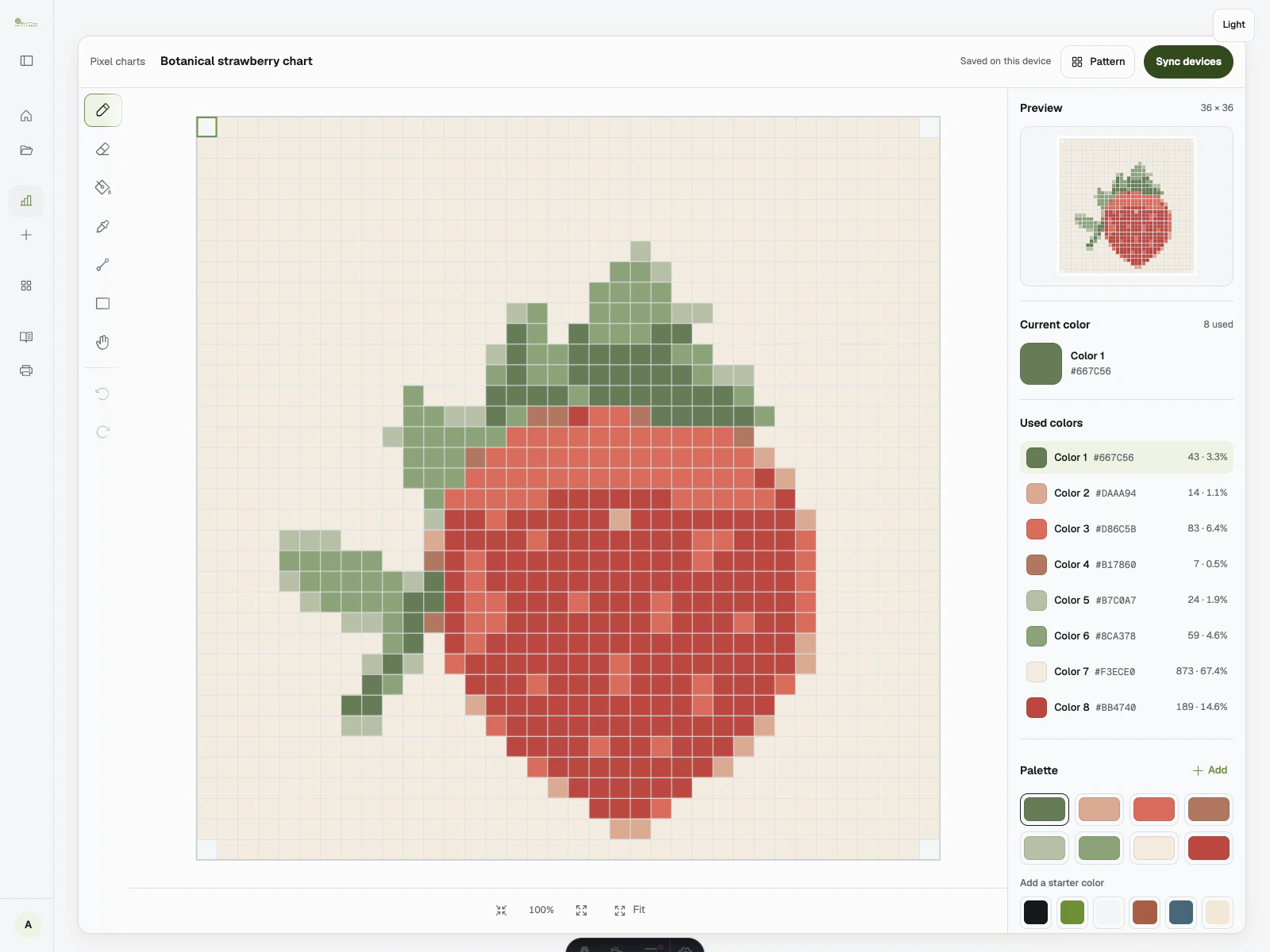
Editor36 × 36 · 16 colours
FlowHow it works
Upload, edit, work — three calm stages
01
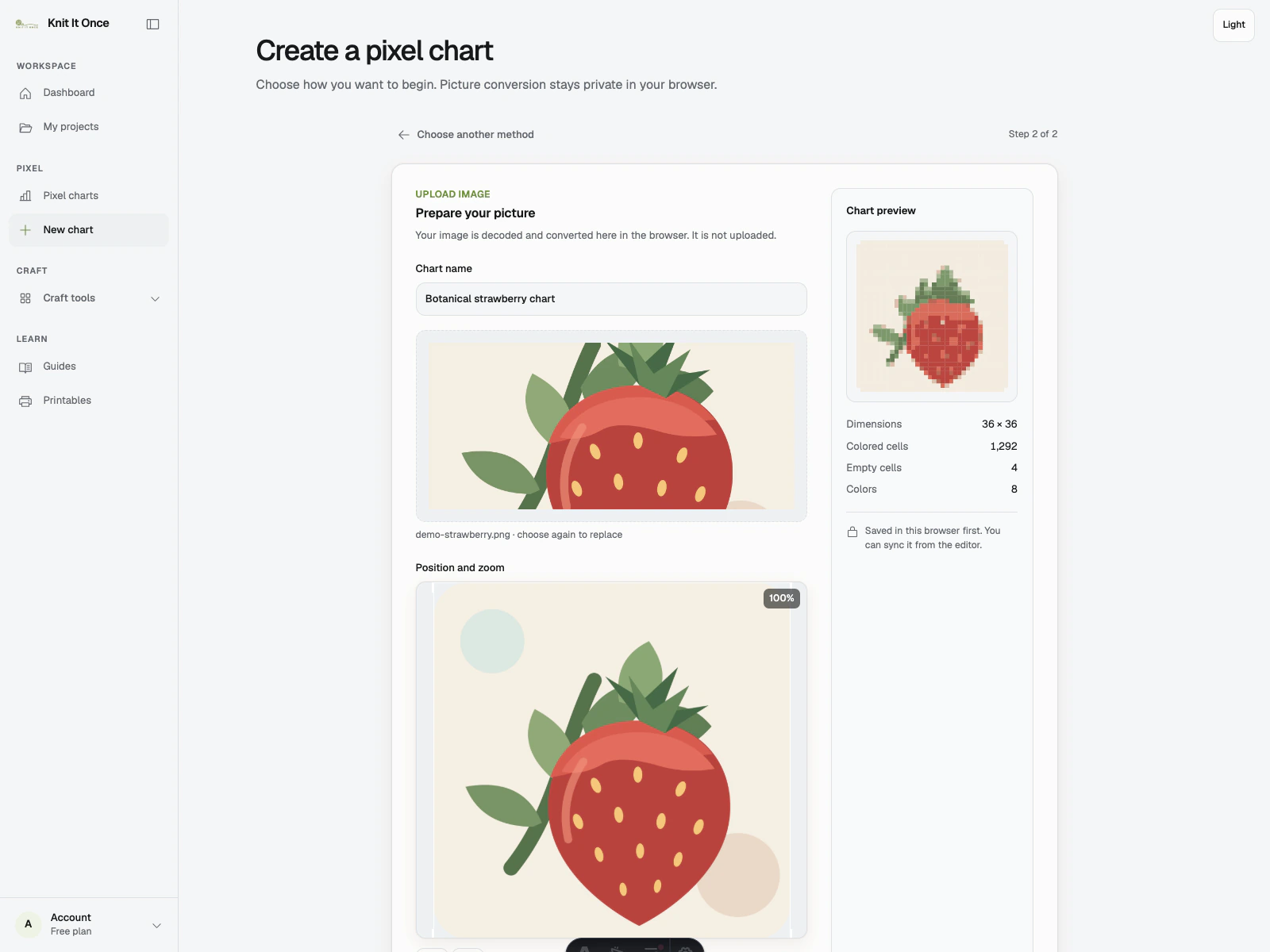
Upload
Drop in a photo or motif — conversion happens in your browser.
02
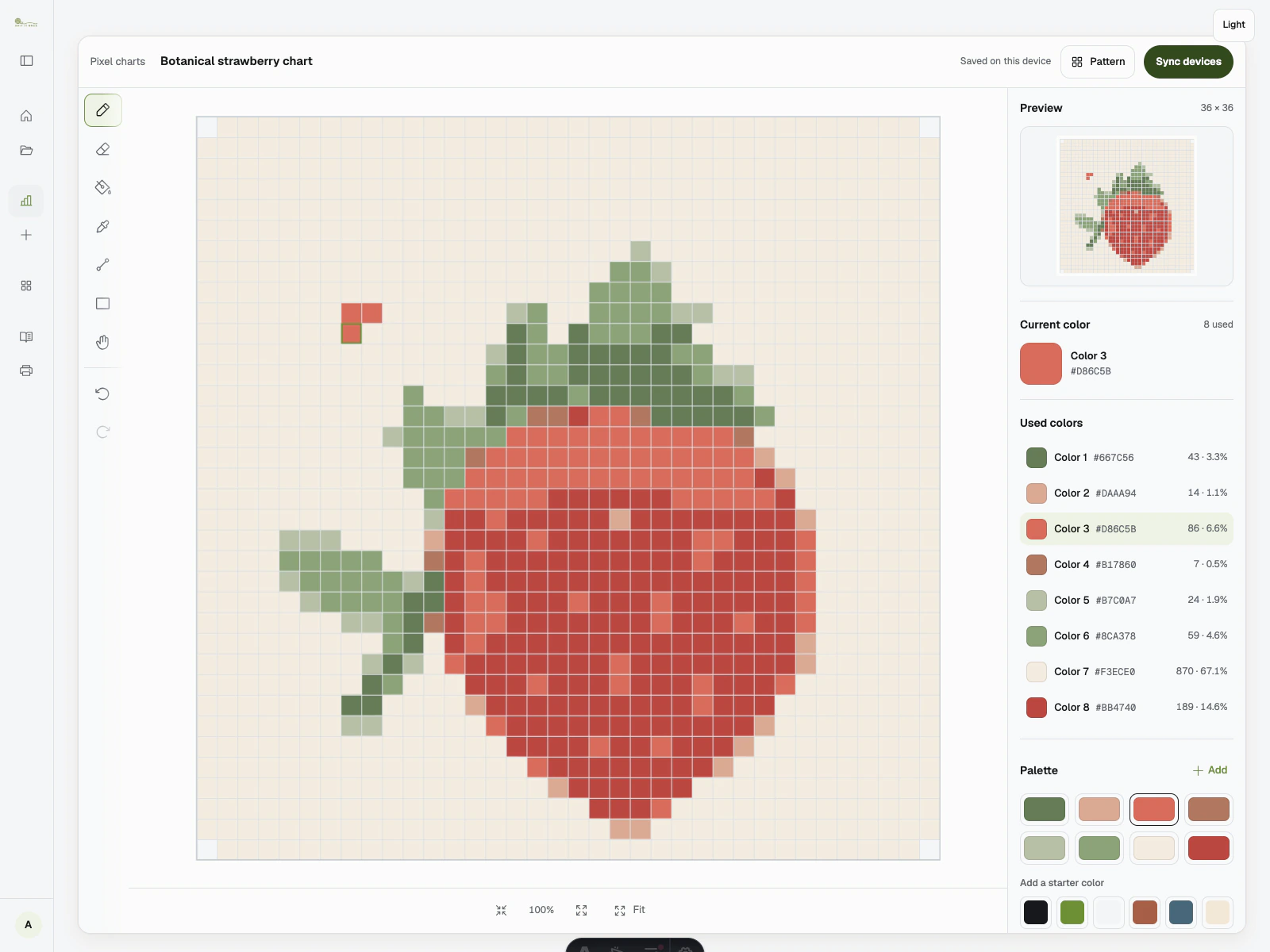
Edit
Clean up the grid cell by cell, with undo and keyboard drawing.
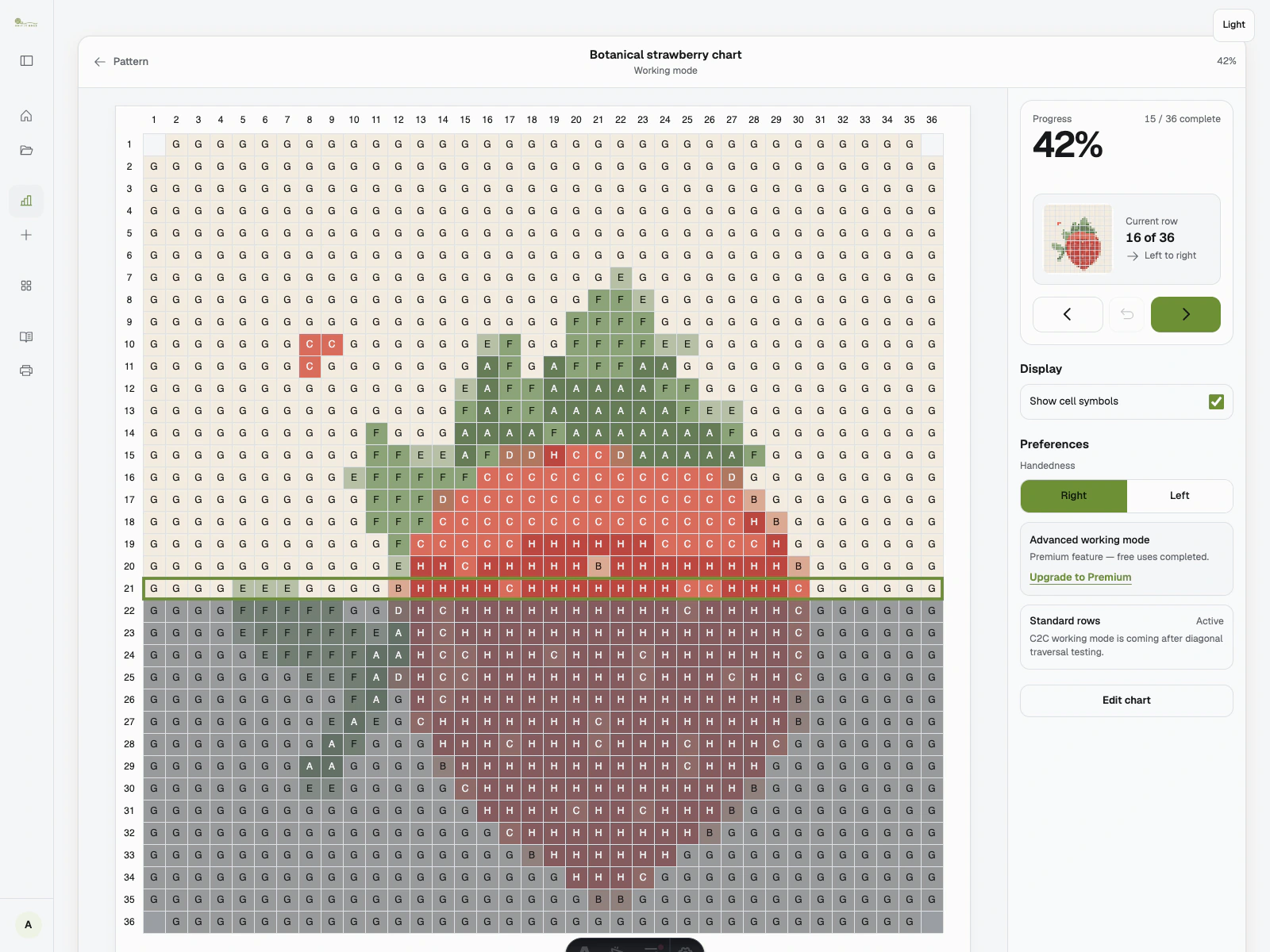
03
Work
Work mode tracks rows, direction, and your place as you make.
What you get
Sized for real projects
- Chart size, free account
- 100 × 100
- Chart size, premium
- 200 × 200
- Colours, free / premium
- 16 / 64
- Export
- PNG · PDF + SVG on premium
- Privacy
- Images never leave your device